Practical assignment (creative problem solving)
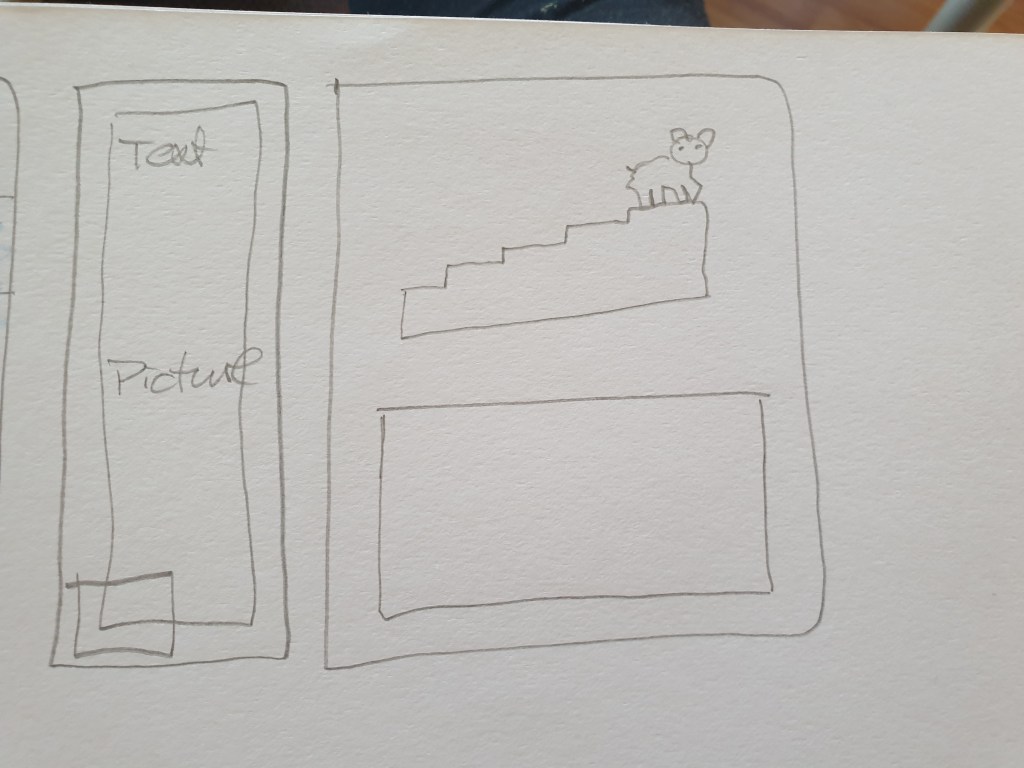
Using the logo you created in Week 1 and the brochure you designed in Week 2, think about your brand and design packaging for your product. Remember that you can decide about the detail of your product. Is it dog biscuits, meat products in a tin, dry pellets or a new and exciting product? Do your design according to the following steps:1ExplorationUse sketching techniques to draw thumbnails and hand in your thumbnails as scanned PDFs.2Brand integration
Choose one of your thumbnails and refine your design. Place it next to your brochure and logo and see how you can merge your design with the brand identity. Also, what fundamentals of the brand can you draw from and use in your design?
Hand in a picture of your thumbnails, mock-ups, logo and brochure together.3Design
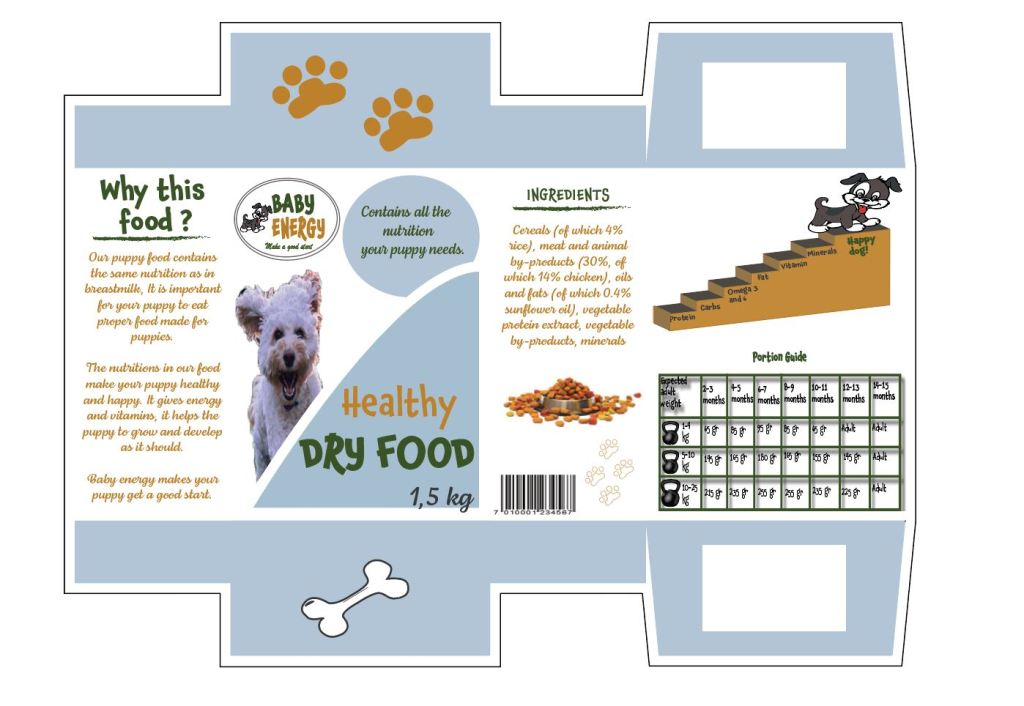
Now design your packaging properly, using any design application of your choice (or a combination of e.g. Photoshop, InDesign and Illustrator). Export the flat design as a PDF.4Presentation
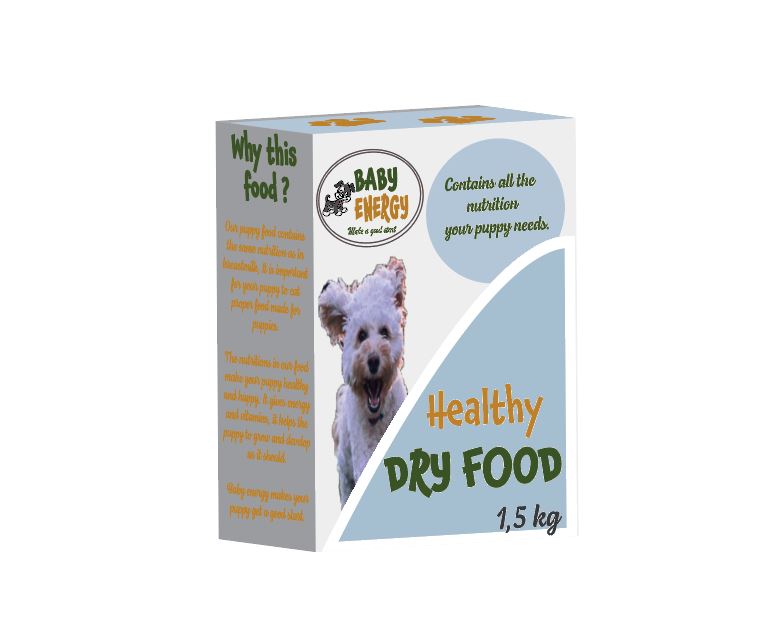
Make a life-size mock-up of your final design and take photographs of it. Remember that you can take more than one photo to show the different angles and sides of the packaging. Here your presentation skills are vital. How do you present the final mock-up in a photo to reflect the true essence of your design?
In this weeks learning activity I have faced som obsticles. In this Corona time, there have been very much to do and a working frome my home office without printer made it hard for me.
I have not been able to print my products as we should, but I have taken pictures of it, and I hope this is good enough. I will print my products as soon as I have the opportunity to it.
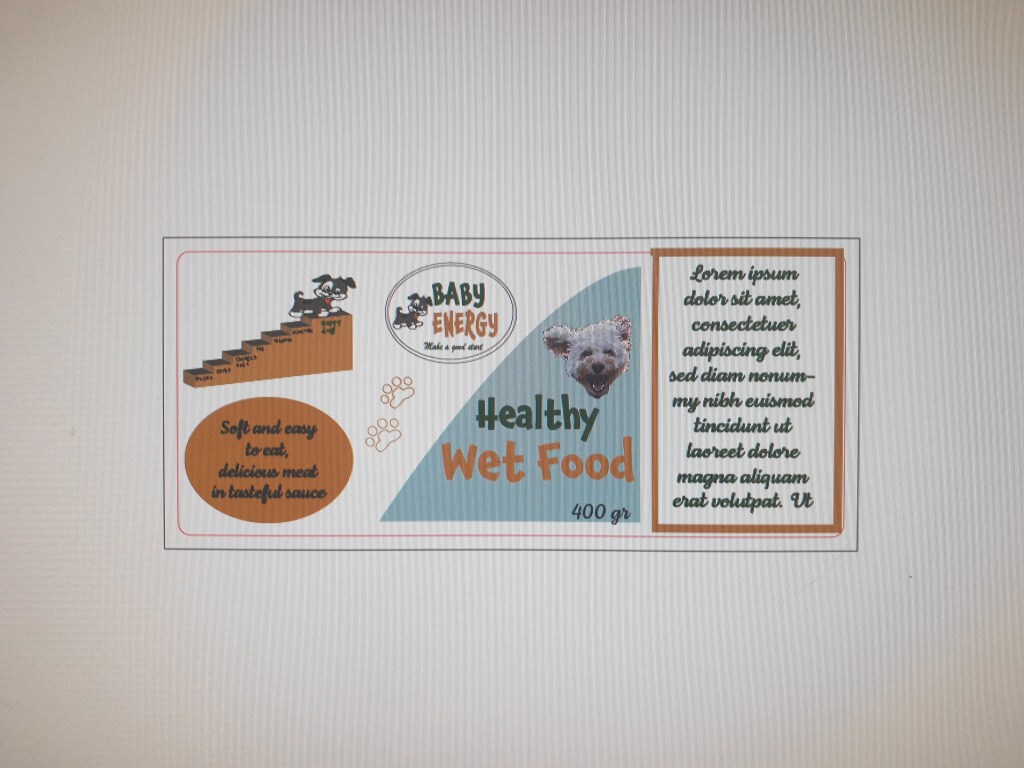
I stared this activity with research and inspiration online and then I did some sketching. I made sketching for a package (box) and a label for a metal box ( for wet food.)
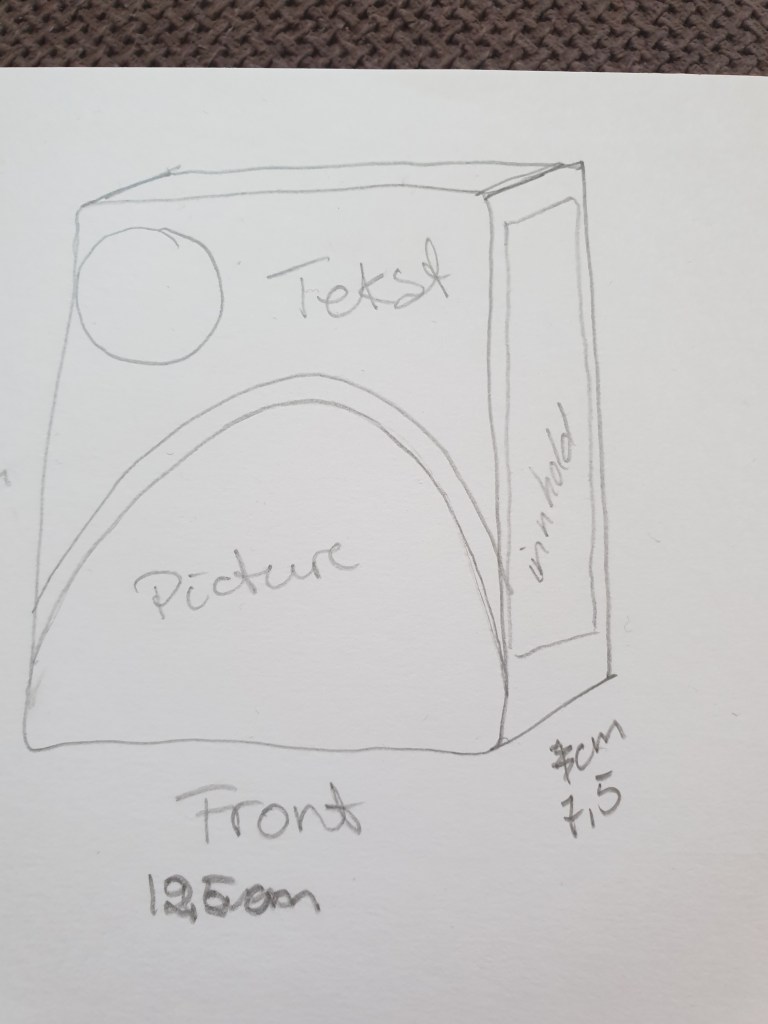
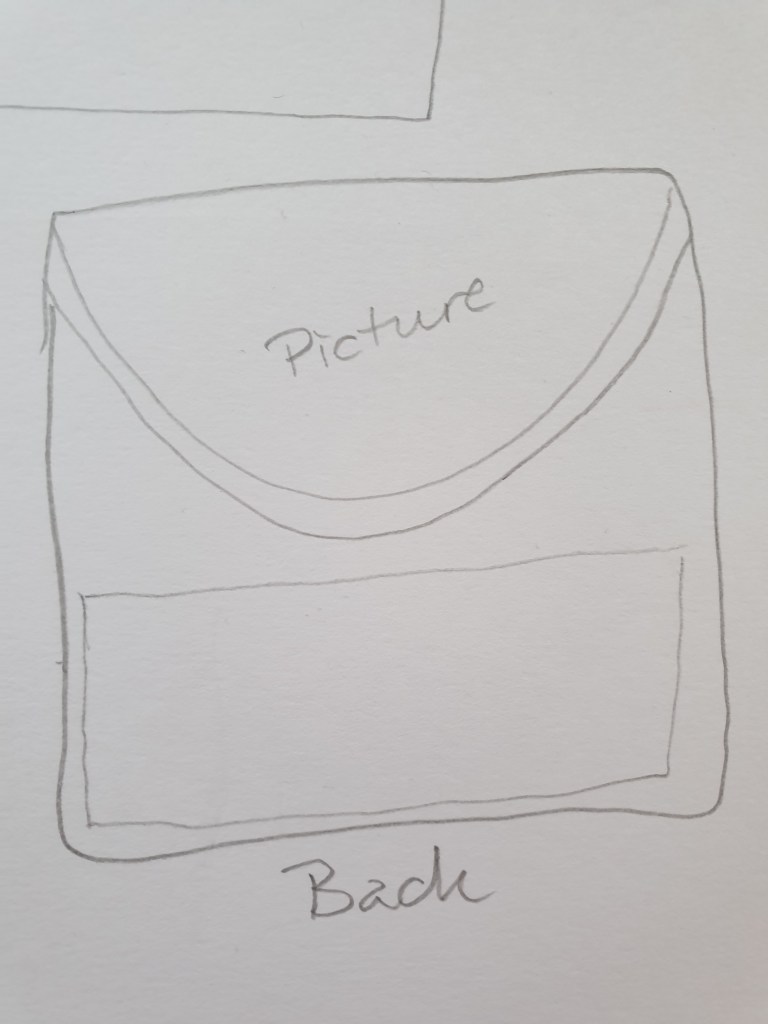
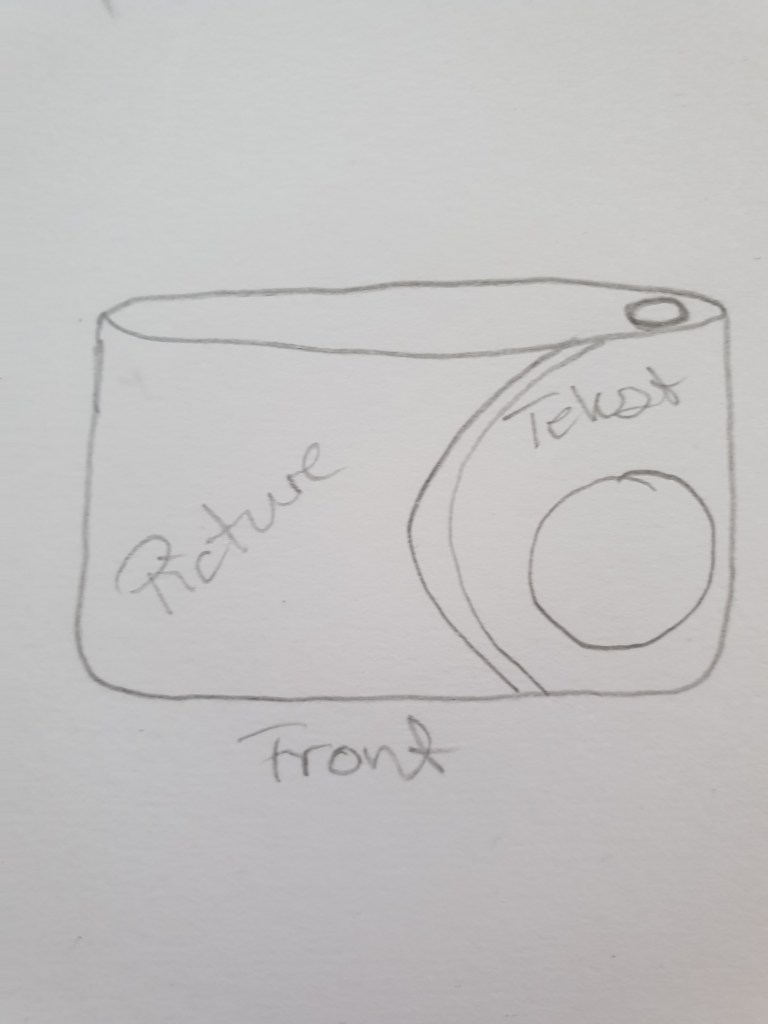
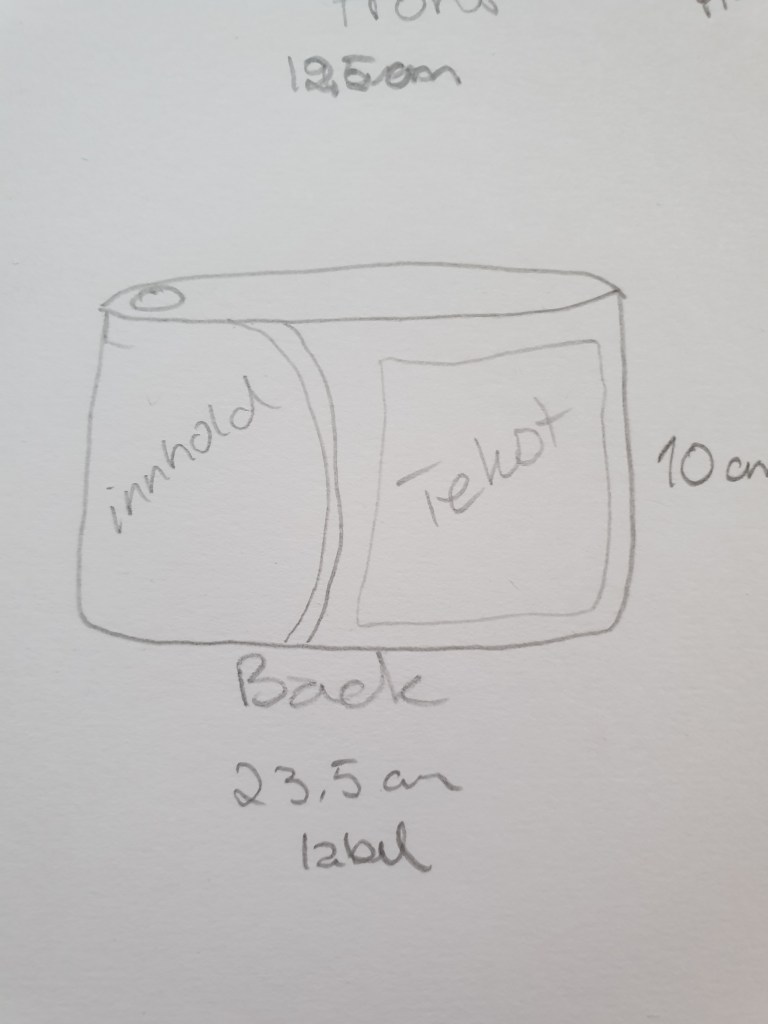


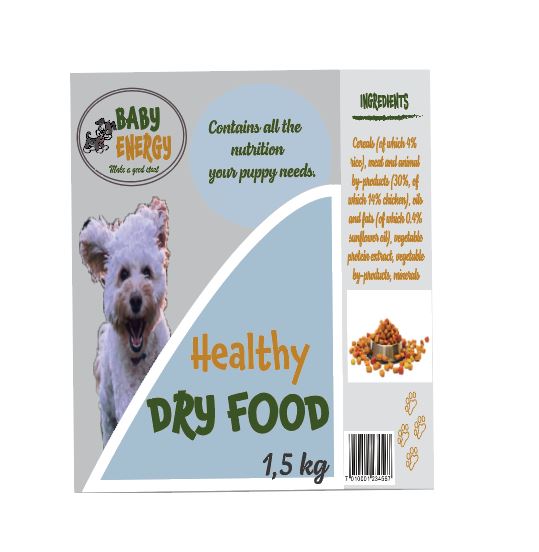
I will follow this up and post more pictures of my packaging as soon as I have printed them.
 My reflective journal